
Capsule Coder - A 2 player mastermind board game
Capsule Coder is a IQ-testing turn-based 2-player logic online board game. It’s recommended for the players who are confident of their logical mind.
Capsule Coder is a IQ-testing turn-based 2-player logic online board game. It’s recommended for the players who are confident of their logical mind.
My Dell U2410 (Rev A04) cannot wake up when connects to iMac with Disport. But another monitor Dell U2412M has no such issue. After googling, I found it’s not only me who got this problem and it might be a hardware problem of U2410. Since the warranty has been expired for many years, I have to […]
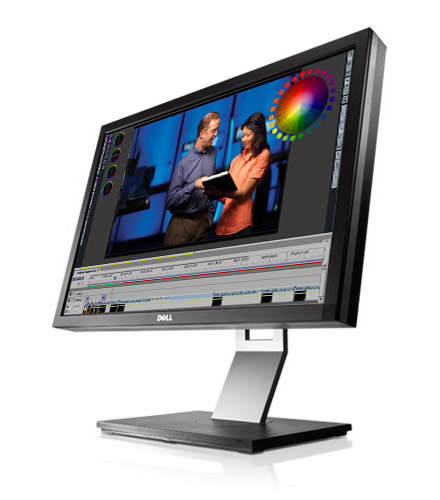
Yesterday I just got my U2410 back. We’ve been separated for 5 years. Now it has new partners iMac and OS X 10.11. The color setting I used before is outdated. I calibrate again make it look similar to iMac. The new settings are as below: Contract: 100 Brightness: 35 Input Color Format: RGB Gamma: PC […]

Sidebar is a useful tool in WordPress, but the original function is too limited. You can only set sidebars in pre-defined template, which is not so flexible. Content Aware Sidebars is a great WordPress plugin that solved this problem. It can manage an infinite number of sidebars. Make your WordPress site even more dynamic and […]
After editing hosts file in a rooted Android phone, sometimes you may find it not working. The trick is, add a empty line at the end of hosts file. And you may also find chrome still not working. You can go to chrome setting by pressing menu key, Go to “Bandwidth management -> Reduce data […]

Hongmi Phone is a budget choice for Android app development. But it cannot be recognized by Eclipse in Mac. The solution is add a vendor ID in adb_usb.ini
In OS X, use crontab to run a scheduled job via shell script. Open Terminal, input to enter vi editor mode to edit jobs for root user. Then use to do some job (Here I killed myprocess) “*” means “first-last” The 5 “*” can be replaced with numbers to indicate scheduled time. 1st *: Minute […]
evasi0n just released the Jailbreak tool for iOS 6 on their official website. There must be a traffic jam soon. The mac version can be also downloaded here on dropbox or on google drive. Official mirrors are listed below: Server OS Link box.net Linux SHA1: c9e4b15a161b89f0e412721f471c5f8559b6054f Mac OS X SHA1: 23f99a0d65e71fd79ff072b227f0ecb176f0ffa8 Windows SHA1: 2ff288e1798b4711020e9dd7f26480e57704d8b2 MEGA Linux […]
The answer is change the DNS to 114.114.114.114 and 114.114.115.115 which are provided by 114dns.com. Note that 114DNS is NOT 114so.cn Every netizen in China may have experienced the problem that when visiting a nonexistent website, the browser jumps to a website named 114so.cn (or some other website running by ISP), which is full of annoying […]

When using OpenVPN in Mac OS X, you may encounter the problem: Mac cannot connect to server, while other devices in the same LAN, even the Windows VM in this OS X works fine. It works again after reboot. If you check the log, you may see this: OpenVPN error: write UDPv4: Can’t assign requested […]